AI-assisted UI pipeline · 2026 - present
Figma → Unity AI Workflow
A personal workflow connecting Figma to Unity through an archive cache, component mapping, query helpers, and validation gates so AI can implement UI faster without drifting from the design system.
The problem
When Lunacia’s UI moved from separate Photoshop files to a design system in Figma, rebuilding every screen manually in Unity became too expensive and still risked drifting from the design. I wanted AI to handle the repetitive work without trading speed for unmaintainable prefabs or an uncontrolled amount of token usage.
What I built
Instead of making a button that turns Figma into Unity, I built a controlled path for AI: archive the design locally once, trace existing components, query only the data required, implement through Unity MCP, then pass gates for source metrics, visuals, responsiveness, and localization.
This is a personal project applied to a real production problem. Lunacia is where I found the issue, tested the first versions, and measured whether the workflow actually reduced time and cost.
An NPC Shop module after moving through the workflow
Technical deep dive
How the workflow works and where my early attempts went wrong
A deeper look at archive caching, mapping, Unity MCP, image diff, TMP padding, localization, and token reduction.
Role & responsibilities
- Split the Figma-to-Unity problem into archive caching, component mapping, a query layer, an execution boundary, and validation gates.
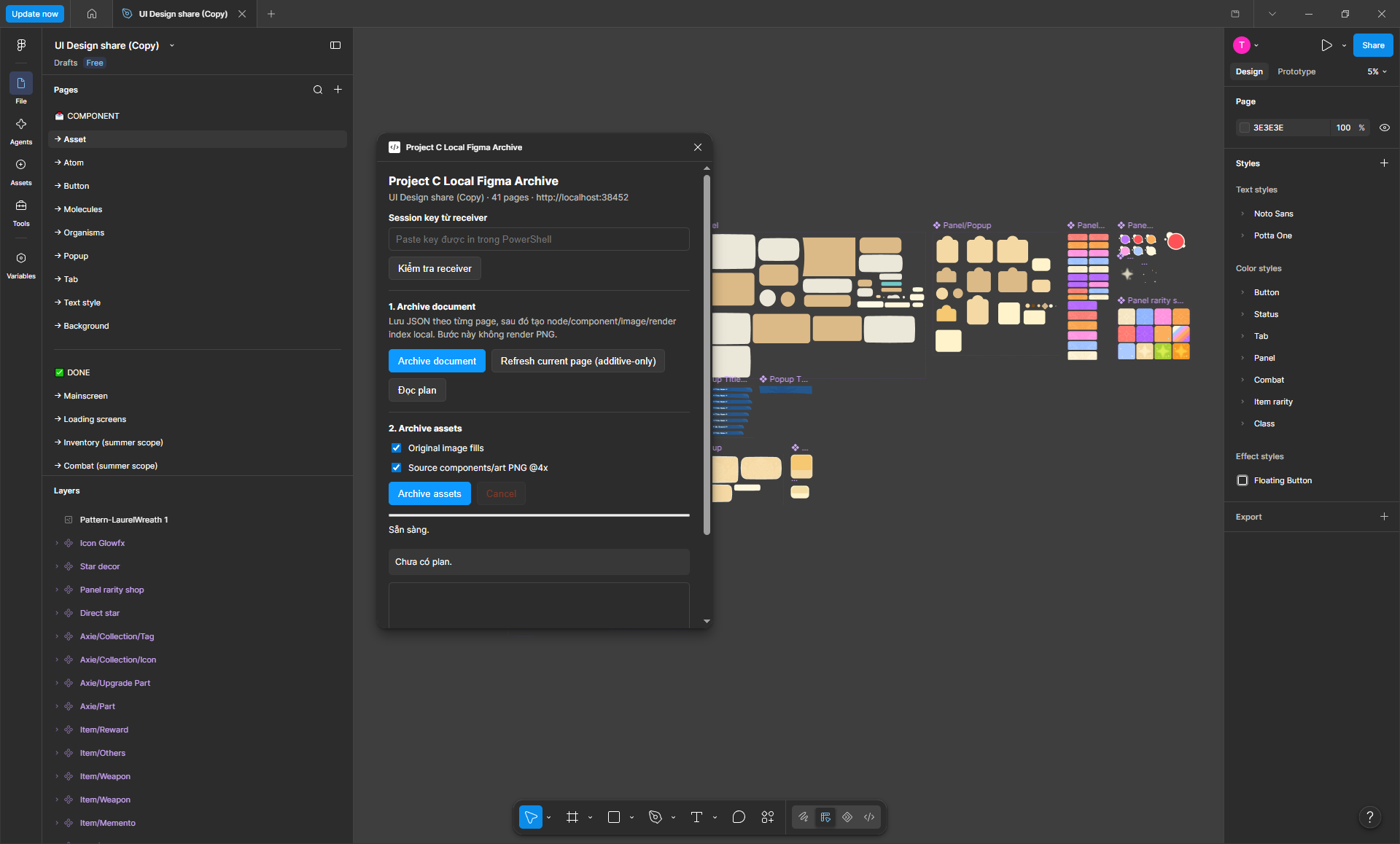
- Built a plugin that stores the Figma document and assets locally instead of making AI reread the entire file for every task.
- Built helpers for querying nodes, semantic names, and component relationships to reduce the context sent to AI.
- Defined rules for component tracing, source metrics, typography, responsiveness, and localization before AI is allowed to implement in Unity.
Results
- Reduced the type of UI task that previously took approximately 2-3 days to approximately 4-8 hours in my own measurements.
- Reduced one task from approximately 120-140% to 40-70% of weekly usage after adding the query layer.
- Used the workflow to build UI from prefabs and a design system, then connect controllers, data binding, and runtime state instead of producing static mockups.